
Things moved slower than I would have liked when I was an engineer at Asana. Pull requests would sometimes take days to get reviewed and merged. Product specs would take a while to get buy-in and review before we could write a single line of code. I spent many hours chilling in the music room playing the drumset, waiting for my work to be unblocked.
And it wasn't because the reviewers who could unblock me were too busy to review my work. Sometimes they straight up would forget. Sometimes I would forget to nudge them.
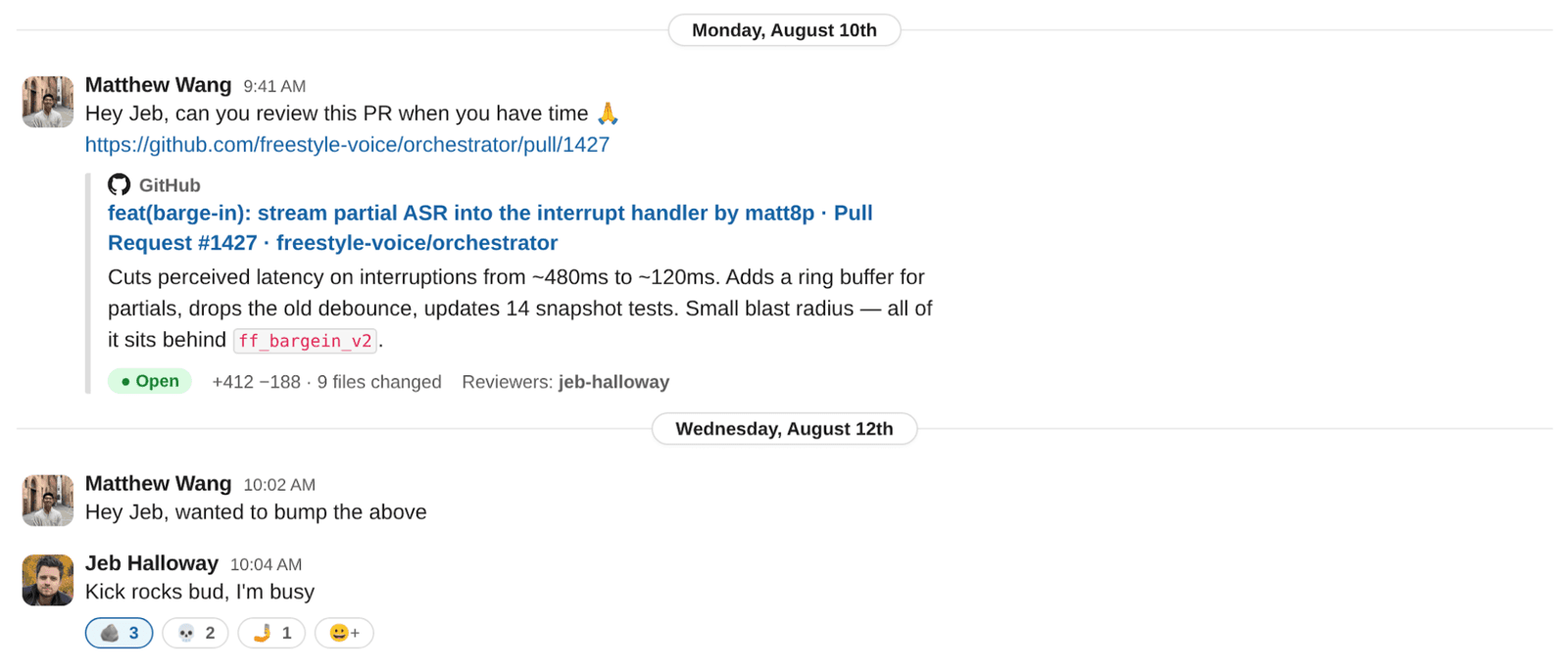
Then when I was maintaining an open source project full time with MCPJam, the problem became even worse. With coding agents becoming much more popular, the volume of GitHub PRs and issues coming in from the community blew up. It became increasingly difficult to keep track of which issues and PRs hadn't been addressed.
Asana was losing millions in engineering throughput with engineers being blocked. Low or late engagement in the open source project could single-handedly tank the momentum of building a community.
The cost of incorrectly managing your work, and of not being reminded to do it at a personal level, is substantial.
In this article, I'm going to go through the many things I've tried. What worked, what didn't, and how I built the thing that's worked best for me personally.
Attempt 1: Automatic email reminders from GitHub
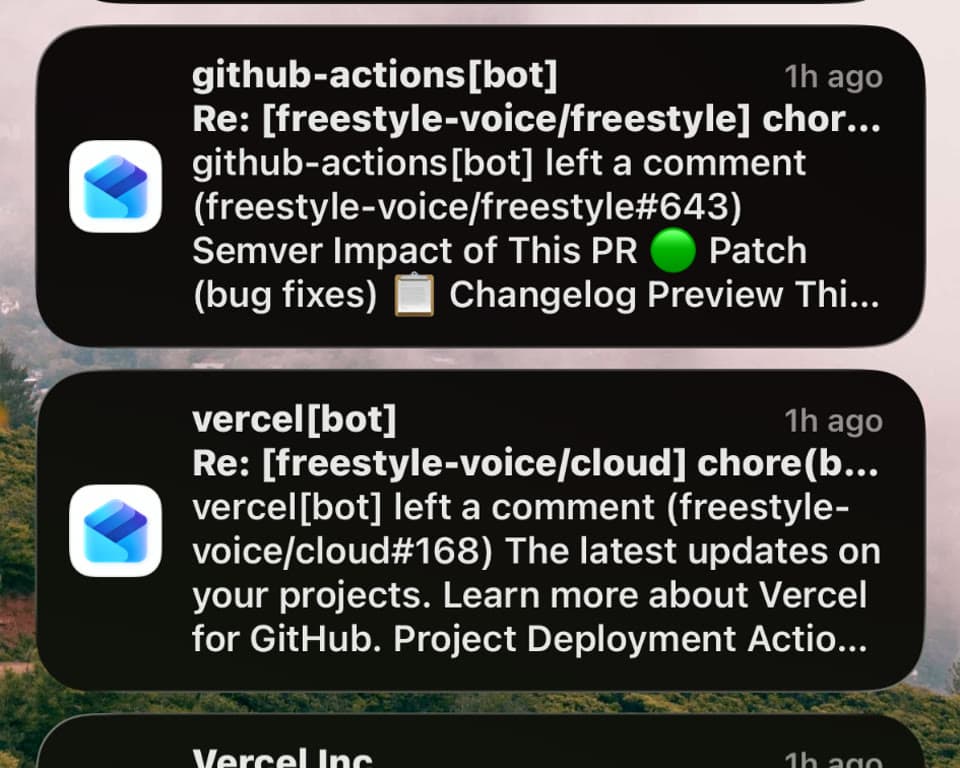
In GitHub you can set up automatic email reminders. What's nice about them is that they notify me of literally everything that happens in my repo. They'll surface GitHub issues reported, PRs that have opened, whenever someone addresses me in a comment.
But that in itself is also the problem. Everything that happens in the repo becomes a separate email spamming my inbox, and every notification sent to the GitHub app gets lost alongside my other notifications. I also need these notifications the most when I'm on my computer and ready to review the work, not when I'm carrying my phone shopping at Safeway.
You quickly get numb to the over-reminders. Your brain automatically filters each notification that comes in as spam.
Attempt 2: Integrations with apps like Asana and Slack
Slack and Asana have integrations that connect to GitHub. Whenever something happens in GitHub, you can get a message in Slack, or a new task can be created in Asana as a to-do item. The nice thing about these apps is that they send notifications to places where you may already work.
Slack, however, has the same problem: it gets buried in the noise of all the other notifications that come in. For Asana, it's nice that the items come in as to-do list items. But there is no proactive nudge. So if I'm not in Asana, actively looking, I'm not going to see that task.
Attempt 3: Building my own system
The closest working thing I got was building my own reminders desktop app, Freestyle.
I've been testing Freestyle myself and with a group of friends, making tweaks along the way. We've found that just keeping it simple works. I made Freestyle live as a widget in the bottom corner of your screen. You get direct access to your to-do list, as well as a scratch notepad, just by hovering over it.
As for notifications, I wanted to make them intelligent rather than sending you a cookie-cutter message template. You can ask Freestyle to set up a notification with custom conditions.
Every morning at 9am, look at the freestyle-voice/freestyle GitHub repo and go through all of the open PRs. For each PR, tell me which ones need a review and which ones are addressed or being worked on.Notifications are custom to exactly what you want, at the cadence that you want. Each notification has brought me significantly more urgency to act on it compared to traditional notifications.
Setting up GitHub notifications on Freestyle
Setting up desktop notifications on Freestyle is incredibly easy.
- Download the Freestyle desktop app.
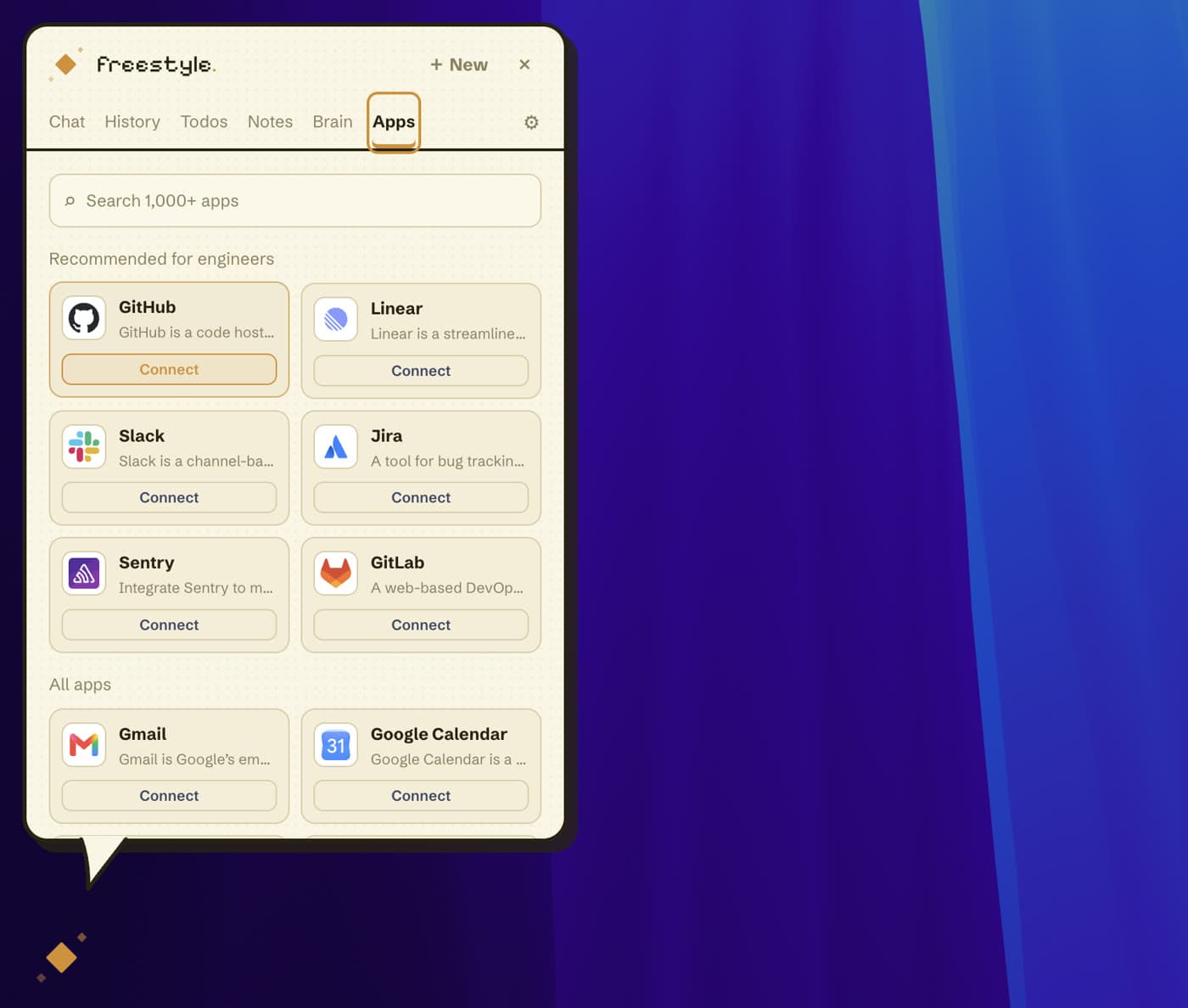
- Go through the onboarding flow. Once you're in the app, connect the GitHub app in the Apps tab.
- Go to the Chat tab and ask Freestyle to set up an automation: “Every morning 9am, tell me which issues in the vought-intl/homelander repo need a review” — or whatever notification condition you want.
You can confirm that the scheduled task is set up in the Brain tab of the app.
Once that's set up, you're good to go. Freestyle will run the task on the set cadence, then send you the results as a notification right on your desktop.


